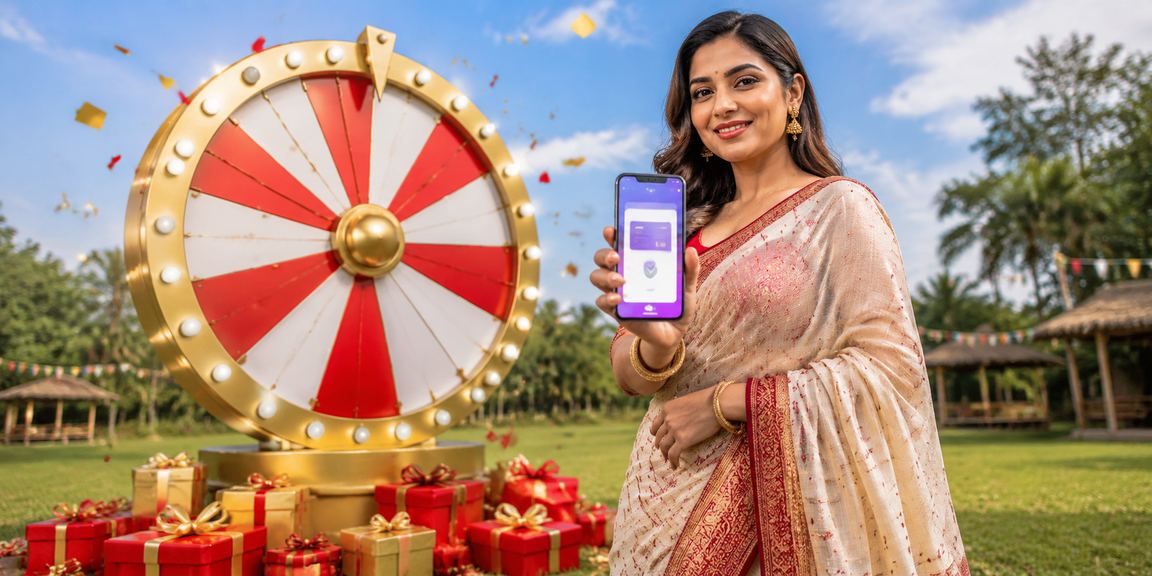
Lightweight, fast, and completely secure. ATG Taka brings Sports Betting, Live Casino, lottery, and jackpots all in one place — with smooth performance on any network.
Smartphones aren't just for calls or social media anymore — they're the biggest entertainment platform there is. ATG Taka built their mobile app with that in mind. Whether you're stuck in Dhaka traffic or relaxing at home at night, the ATG Taka app is right there with you.
Many apps are bloated, slow to load, or struggle on a weak connection. The ATG app has none of those issues. At just 18 MB, it runs smoothly on any Android or iOS device — even on a 3G network.
Sports, casino, lottery, and more — all in one app
The app opens in just 1–2 seconds. Pages load smoothly even on a slow connection. Zero lag.
Get instant alerts before matches kick off, odds change notifications, and special offer updates — right as they happen.
Log in instantly with your fingerprint or Face ID — no more struggling to remember passwords.
Watch live streams of selected matches directly in the app and place your bets at the same time.
Eye-friendly dark mode for late-night sessions. Easier on your eyes and better for battery life.
New features and security updates install automatically. You'll always have the latest version.
Some sections of the app are accessible offline even without an internet connection. Everything syncs automatically once you're back online.
Every button, menu, and instruction in the app is in Bangla. No English needed.
All your transactions and personal information are protected with the highest level of security. Zero risk of hacking.
Even if ATG Taka isn't available on the Google Play Store, you can download the official APK directly from the website. Just follow the simple steps below.
Go to your phone's Settings → Security → Unknown Sources and turn it on. On Samsung devices, find it under Settings → Biometrics and Security.
Click the "Android APK" button on this page. The file will be saved to your phone's Downloads folder.
Open My Files or File Manager and locate the ATG-Taka.apk file in your Downloads folder.
Tap the APK file, hit "Install", and grant the necessary permissions. Installation completes in just 30 seconds.
Tap the ATG Taka app icon. Log in to your account and start enjoying.
IOS users can enjoy the full ATG Taka experience through the App Store or directly via the web app.
Open the ATG Taka website in Safari on your iPhone or iPad.
Tap the "App Store" button on this page. It will take you to the ATG Taka page on the iOS App Store.
Tap "Get" or the download icon in the App Store. Confirm with Face ID or Touch ID.
Once the download is complete, open the app. Log in to your existing account or register a new one.
Check compatibility with your device before downloading
Nobody sits down at a computer to place bets anymore. The reality is that most people do everything on their phones. ATG Taka built their mobile app with exactly that in mind — so the experience on your phone is every bit as good as on a desktop.
With the ATG Taka app, you can place Sports Bets, play Live Casino games, buy lottery tickets, join jackpot games, and deposit or withdraw via bKash or Nagad — all in one place.
A lot of people assume betting apps drain your battery or eat through your data. ATG's app is genuinely impressive on this front. Our intelligent data loading technology only loads the content you actually need — so following live match updates uses just 1–2 MB of data.
ATG Taka releases monthly app updates with new features and bug fixes. User feedback is taken seriously — report an issue to our support team and it'll typically be resolved in the next update.
You can use the same ATG Taka account across your phone and tablet. Your balance, betting history, and settings all stay in sync. Even if you lose your phone, just log in on a new device and everything will be right where you left it.
Answers to all your questions about downloading and installing the app
The app is completely free to download. Register now and enjoy a 100% bonus on your first deposit.